
Workflow3 min read
Visual specs for AI coding: show me before you build
Ask AI to show the UI and the changes you care about before it writes code. Review those first, then leave the implementation to the agent.
Tao Wu · Founder of AI4KanbanOn this page
AI produces more text than we want to read. Andrej Karpathy recently raised the problem of understanding model output. We have run into it in product planning too: reviewing ten features or product improvements in parallel means working through a lot of text just to decide what should be built.
What we want to see first is what the feature will look like. If it matches our expectations, the agent can start building. A UI mockup is often a better way to review that decision than another page of prose.
Why ask for a UI before the code?
A written plan describes the product; we still have to picture it. A UI mockup shows it directly. When several features need our attention, that makes the plans easier to review.
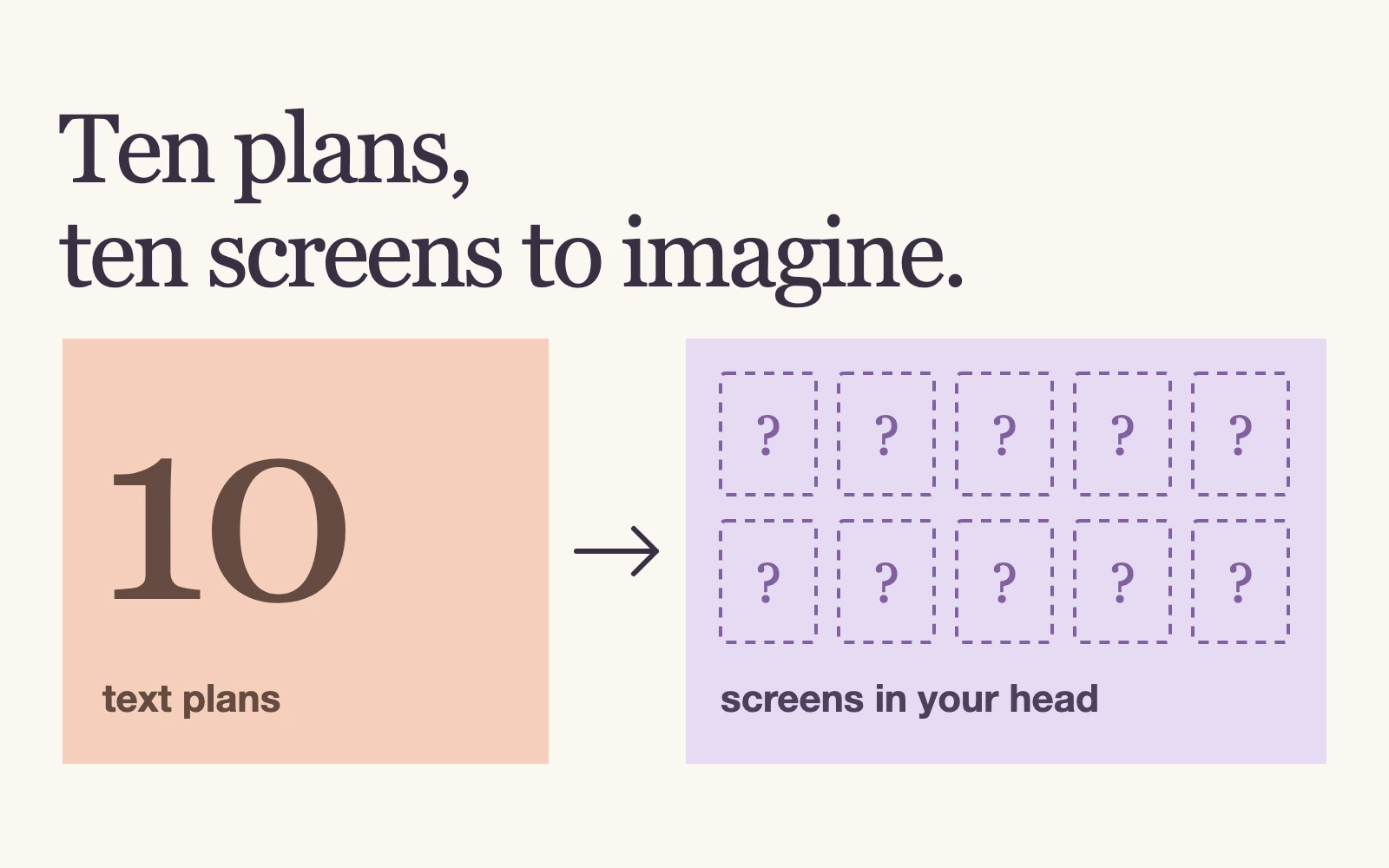
The useful question is whether the proposed feature is what we want. We care more about the product's UI than about the implementation underneath it. Asking the agent to show the screen first puts that decision in front of us before development starts.
Can the UI itself be the spec?
In a useful sense, yes. A visual spec can be a development agreement between a person and a coding agent: we review the UI, and the agent uses it as the reference for implementation.
For example, a mockup includes a page showing daily active users. We can review what it displays without spelling out every database field needed to support it. The agent can work out the corresponding data model. If we care about a detail the screen does not express, such as what counts as active, we still need to state it.
We value spec-driven development: make a plan before writing code. Showing the UI makes the product part of that plan more direct and concise. An HTML prototype is especially useful because both the person reviewing it and the agent implementing it can work from the same artifact. That is the point of prototype-first development here: see the intended result before committing to the build.
What should AI show when there is no UI?
Show whatever matters most to the review. Relationships or a process may be clearer as a diagram. For a prompt change, put the actual text in the plan.
If you build agents, a bad prompt in production can increase the cost of a user's task. Even with regression tests, we want to read prompt changes carefully before they ship. Reviewing the proposed wording during planning gives us that chance before the rest of the feature is built.
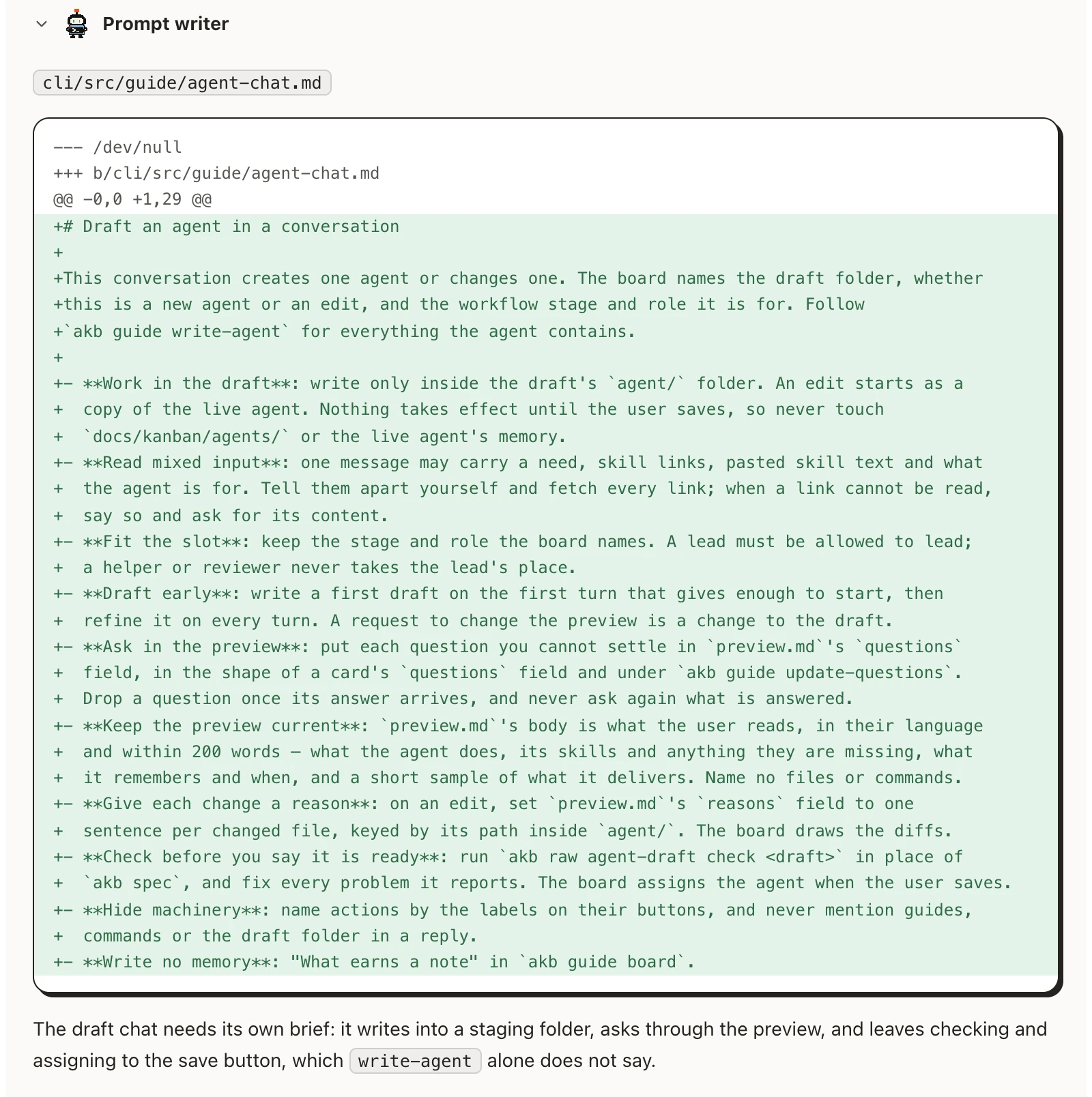
The same principle applies: ask AI to present the parts you care about in the form that makes them easiest to judge.
How much do you need to decide before the build?
You do not need to settle every detail. Specifying everything in advance can constrain the agent unnecessarily. Review the UI, the prompt changes and the other decisions you care about, then let AI handle the implementation.
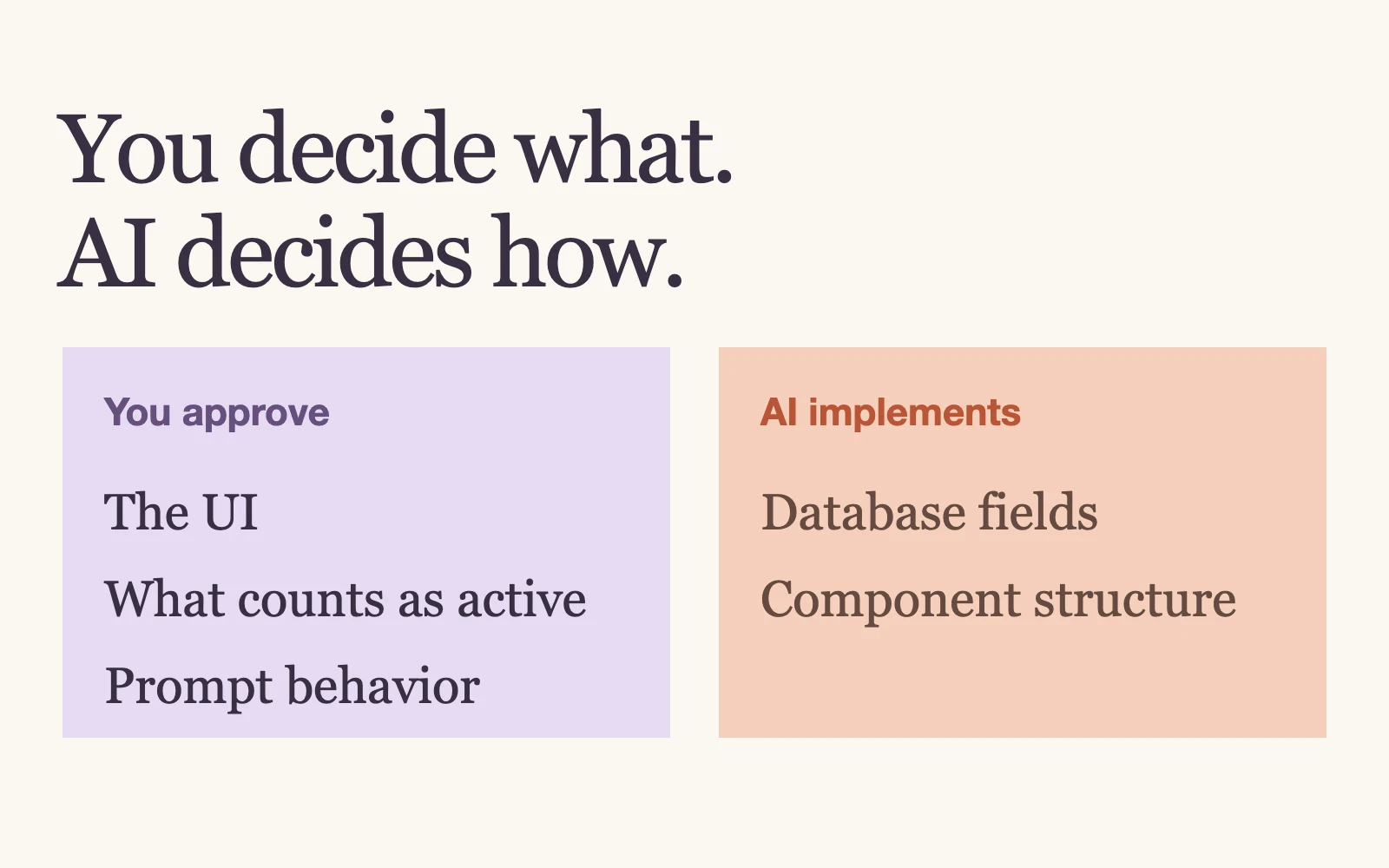
If delivery quality matters to you, those reviews matter too. Delegating the implementation does not remove the need to check the result you are asking for.
AI4Kanban brings discussion, planning and drafts into one workflow. You discuss the idea, then review the UI mockups or prompt changes on its card. The workflow's agents, such as ui-designer and prompt-writer, provide the relevant drafts. Ask for changes, and press Build when the important parts match your expectations.
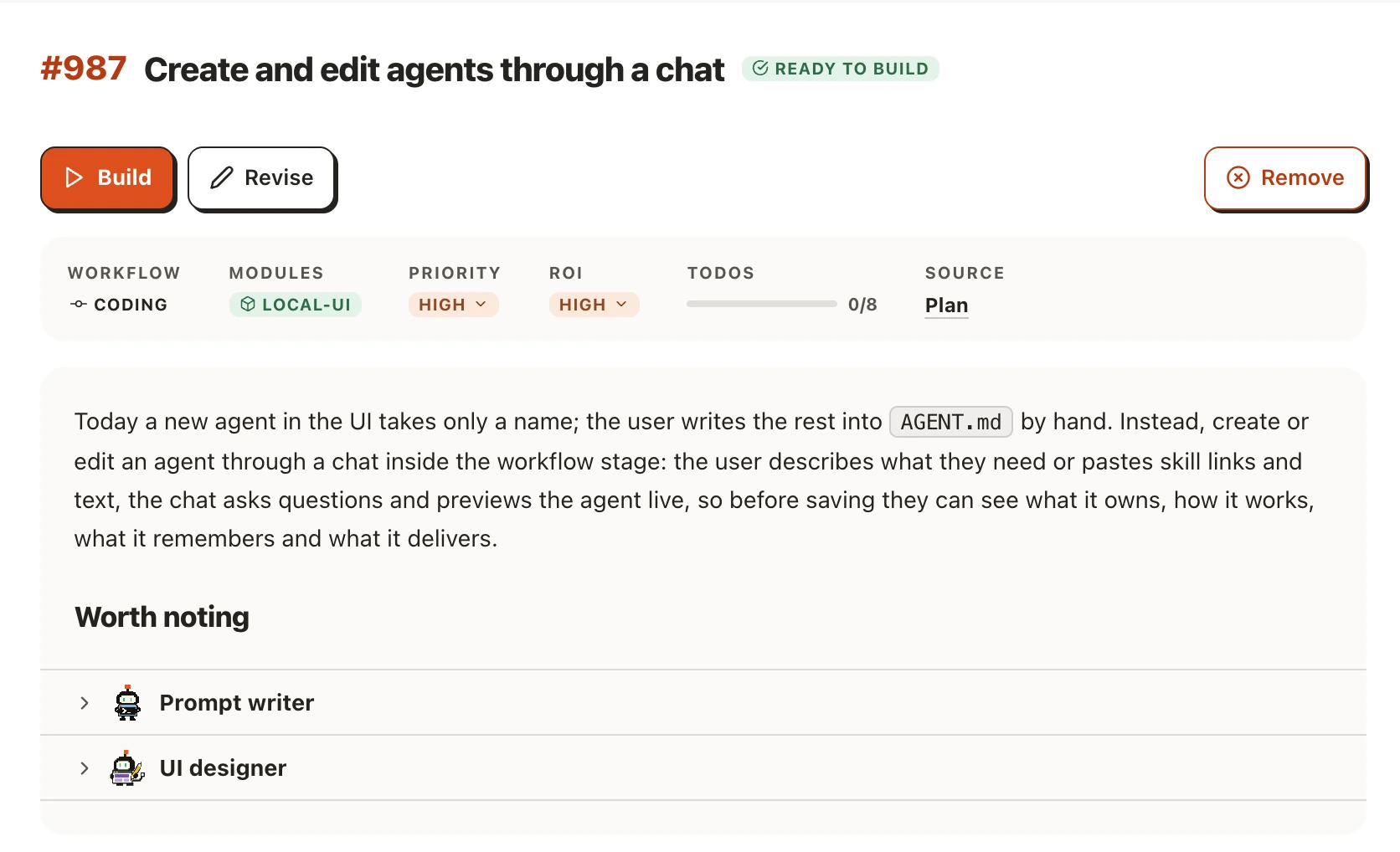
For your next feature, ask AI to show you what matters before it writes the code. Download AI4Kanban to review those drafts alongside the plan.